








For businesses, data is the product of years of work – contracts, client files, marketing assets, financial records, and media libraries. When that data goes missing, the cost goes beyond the files themselves: missed deadlines, lost clients, and hours of employee time spent searching.
AI search for business solves this on both fronts – recovering lost data quickly and organizing what you have. Here is how smart search and filter features help companies get their data back and keep it findable.
The Business Problem with Data Loss
When a business loses data, the stakes are different from personal recovery. A single missing contract can delay a deal. A deleted product video can postpone a launch. A corrupted client folder can damage a relationship.
The pressure makes the search phase critical. After a recovery scan, the results can include years of company data – thousands of files from departed employees, old projects, and archived systems. Finding the specific file a team needs, fast, is what separates a business recovery from a data disaster.
How AI Search Helps Businesses Recover Data
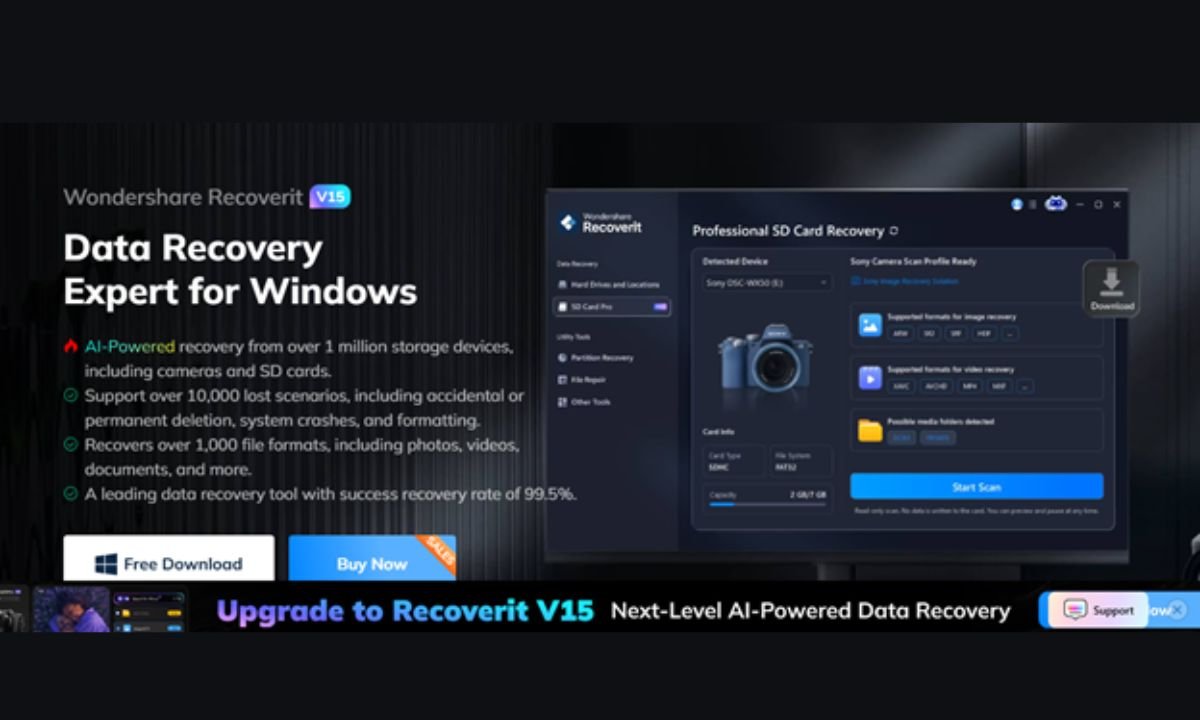
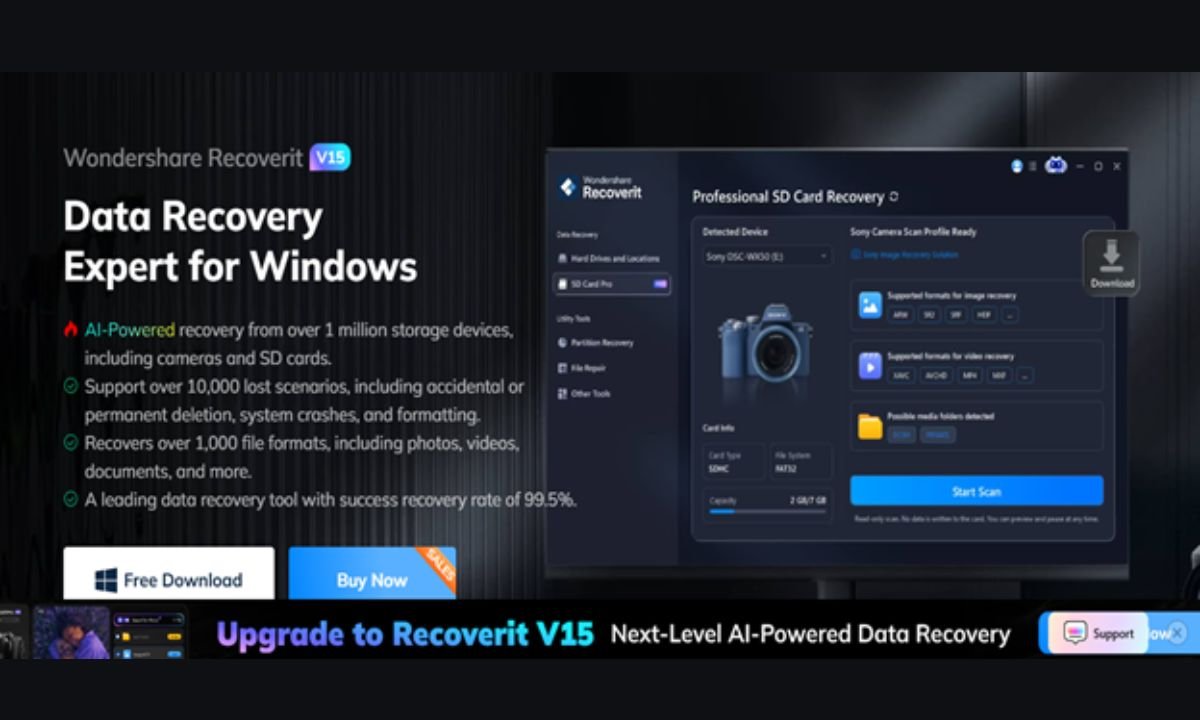
Wondershare Recoverit brings the same AI search and filter tools used in personal recovery to business scenarios. After a scan, teams can locate the exact files they need without browsing through years of accumulated data.
1. Search by What Your Team Remembers
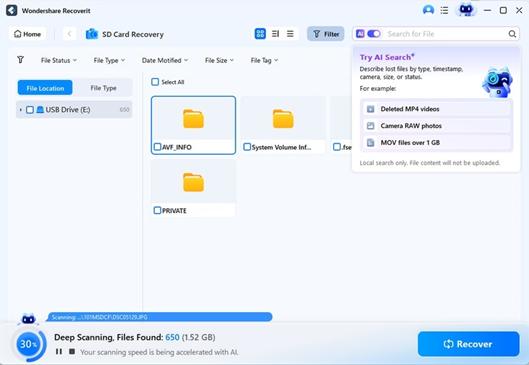
An employee remembers the project, not the filename. The search box accepts partial names, extensions, and keywords, narrowing results as you type. “The invoice from March” becomes a type + time filter combination that surfaces the file in seconds.
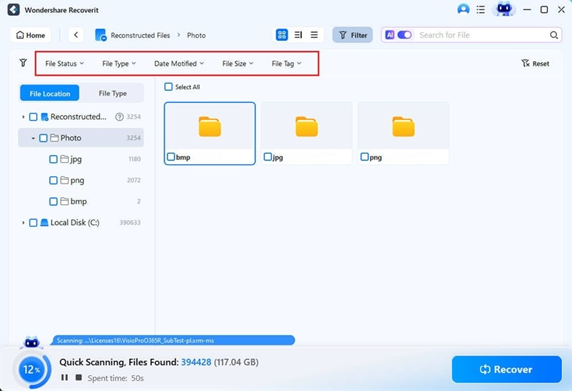
2. Filter by Type, Time, and Size
Business recovery rarely needs everything – usually one category from one period. The filters handle this precisely:
File Type – isolate documents, spreadsheets, presentations, or media.
Time – focus on a quarter, a month, or a specific week.
File Size – find large video assets or small config files.
3. Preview before Recovery
Preview confirms the recovered file is the right version – a current contract, not last year’s draft. This prevents recovering the wrong files and redoing the work.
Organizing Recovered Data with Smart Filters
Recovery is only part of the business value. AI search also helps organize the data that was recovered:
Sort by type – to rebuild a media library from a recovered drive.
Filter by time to group files by project period.
Search by extension to isolate specific file families – “.xlsx” for spreadsheets, “.psd” for design assets.
Teams can reconstruct a lost project folder logically instead of dumping thousands of files into a single “Recovered” folder.
Why Organization Matters After Recovery
A business that recovers data but dumps it into one unorganized folder has only half-solved the problem. Files without structure are files that will be searched for again – and lost again in the noise. Applying filters during recovery doubles as the first stage of organization: recovered documents go to the documents folder, media to media, and everything is grouped by period. The AI search features that found the files become the same tools that file them correctly, so recovery ends with order, not chaos.
Use Cases for Business Recovery
A marketing team lost its asset library. Filter by media type and date to recover the video and image assets for a campaign, skipping unrelated files.
Finance needs last quarter’s records. Filter by document type and the quarter’s date range. Preview to confirm versions, and then recover.
Legal lost a client contract. Search by a partial filename and filter by document type. The contract surfaces quickly, keeping the case on schedule.
Recoverit for Business on Any Platform
Business recovery often happens across mixed environments – Windows workstations and Macs in the same office. Recoverit covers both: the Windows version and the Recoverit Mac version provide the same AI search and filter experience, so a team does not need to learn two workflows.
For data stored on removable media – SD cards, camera memory, and portable drives – the SD card recovery module applies the same search tools, so field-captured business data is just as easy to find and recover.
Building a Business Recovery Workflow
A practical AI search workflow for a business recovery:
1. Scan the affected device and let the scan complete.
2. Filter by file type to focus on the category you need.
3. Filter by time to narrow to the relevant period.
4. Search with any remembered filename or keyword.
5. Preview the candidates to confirm versions.
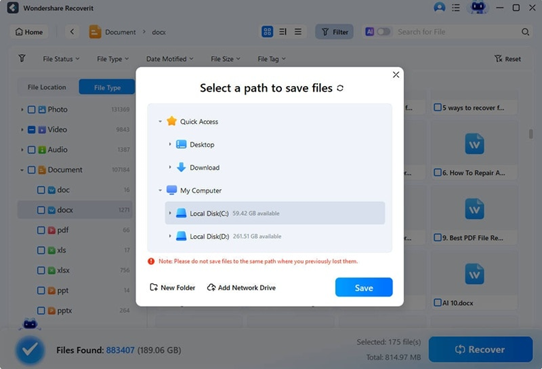
6. Recover to a designated safe location, organized by type and date.
This workflow turns a potentially chaotic recovery into a structured, repeatable process – one your team can follow without a specialist.
Assigning Roles for a Smooth Recovery
For larger losses, a little organization goes a long way. One person runs the scan and applies the first filters, another review previews and selects files, and a third organizes the recovered output into the company’s folder structure. Because AI search and filters make each step fast, a small team can complete a recovery that would otherwise take days – and the structured approach means nothing is recovered twice or missed entirely.
Conclusion
AI search for business does two jobs: it finds lost data fast, and it helps organize what is recovered. With search by partial names and filters by type, time, and size, teams can locate a contract, an asset, or a record in seconds instead of browsing years of files. Wondershare Recoverit brings this AI search and filters capability to businesses on Windows and Mac, and extends it to SD and memory cards. When company data goes missing, the right search tools turn a data loss into a quick recovery – and AI search for business is how it happens.